Backup monitoring

See every backup, everywhere.

Automated verification, alerting and reporting across your entire backup estate — in one dashboard.
+

Monitor and report on your Avamar data protection environment, automatically

Bring Avamar Backup and storage into Bocada’s unified data protection view. Automated monitoring, SLA reporting, and proactive alerts with no manual effort.

BackupBackup

Why monitor Avamar with Bocada

One view across your entire data protection ecosystem — from backup jobs to storage spend — spanning Avamar and every other platform you run.

Centralized backup monitoring

Track every Avamar backup job alongside every other platform in one dashboard. No console-hopping.

Compliance & SLA reporting

Prove every Avamar backup meets its SLA with audit-ready compliance reports — scheduled, retained, and ready for review.

Automated ticketing & remediation

Auto-open tickets for failed or missed Avamar jobs and route them to the right team before they become recovery risks.

Storage management & cost oversight

Track backup storage consumption and spend trends to catch runaway costs early.

Complete oversight

Everything you need to oversee Avamar

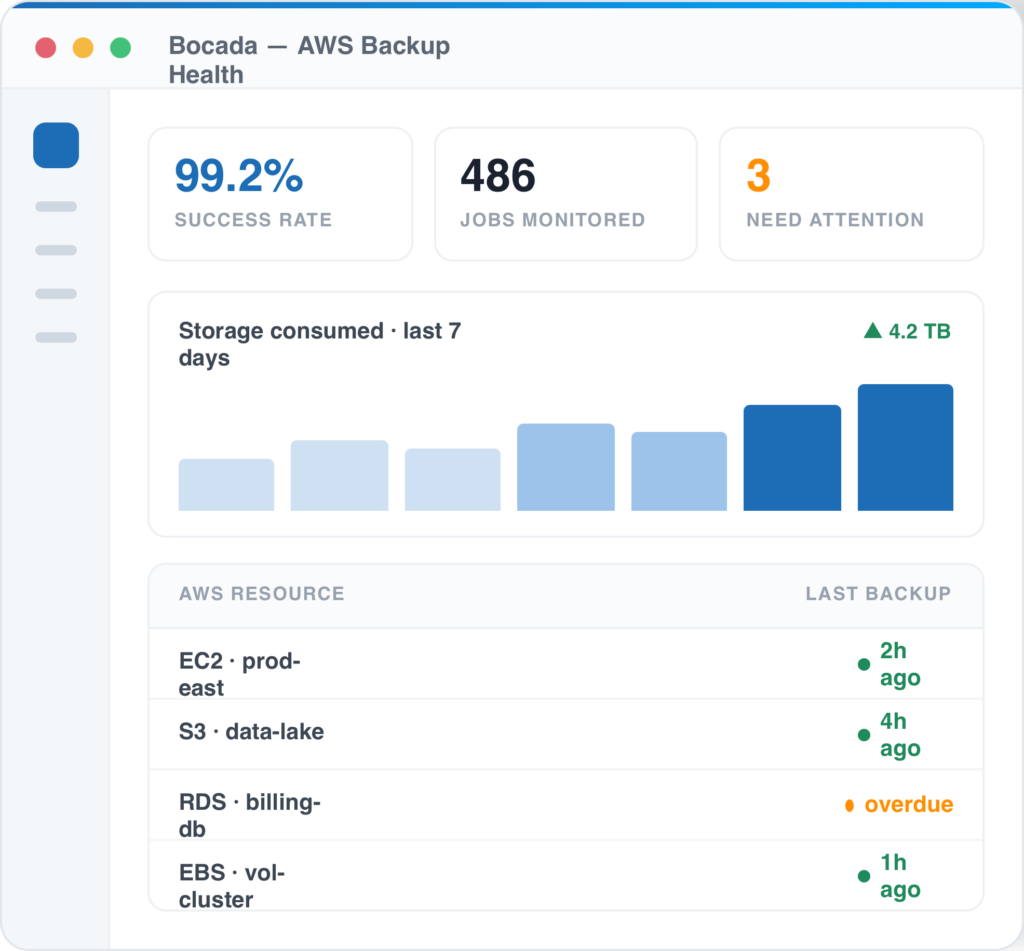
  • Backup job success, failure & SLA tracking
  • Backup storage consumption trends
  • Audit-ready compliance reports
  • Unprotected resource detection across accounts
Bocada Backup Monitoring Dashboard Image

Up and running in three steps

1

Connect Avamar

Authenticate Bocada to your Avamar accounts with a read-only role — minutes to set up.

2

Bocada collects

Backup status and storage data flow into one normalized view across every account.

3

Monitor & report

Track health, automate reports, and get proactive alerts on missed Avamar backups.

Documentation & updates

Setup guides and the latest changes to the Avamar connector.

Ready to monitor your Avamar backup and data protection environment?

Menu