
One Platform For Your Entire Backup Environment
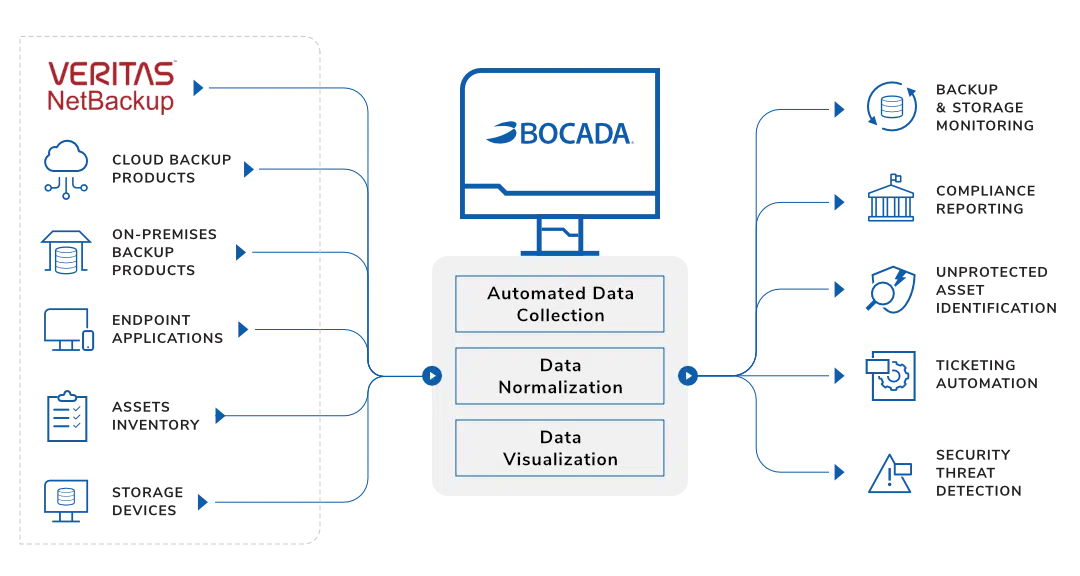
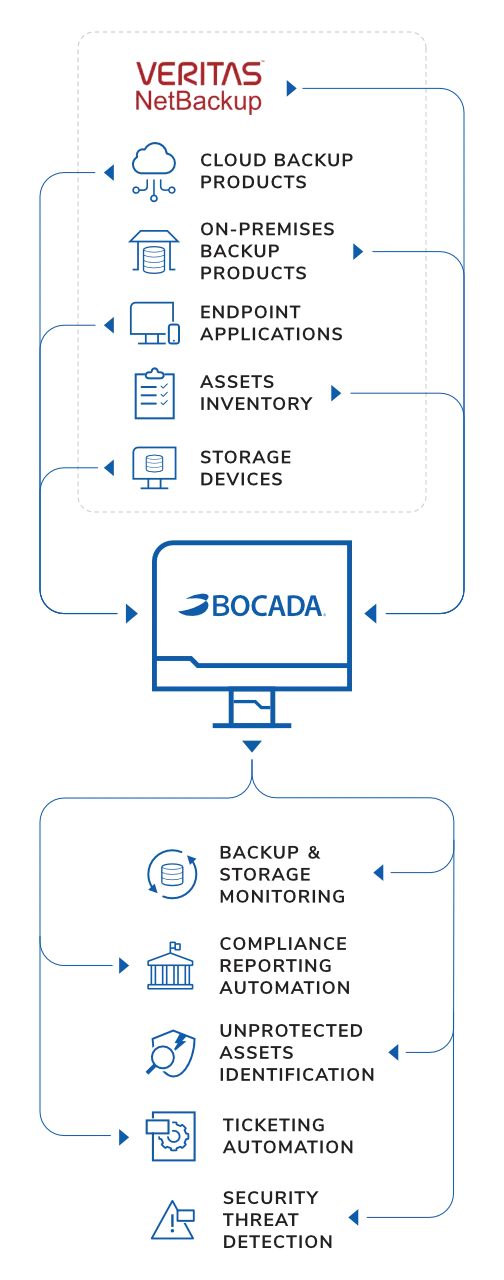
The Bocada Backup Monitoring Platform provides oversight of your Netbackup, on-prem, and cloud backup environments via an independent, agentless console for visibility, reporting, and collaboration.

Backup Oversight
Enjoy complete peace of mind with visibility into your Netbackup backup successes and failures. Always know when critical backups need support.

Automated Reporting
Unify your Netbackup, cloud, and on-prem backup reporting via a single-pane tool. No more jumping across tools for a clean picture of backup health.

Compliance Tracking
Stay ahead of regulations and SLA tracking with automated reporting of your Netbackup environment. Remove the need for last-minute scrambles.

Audit Preparedness
Simplify monthly or annual Netbackup backup audits with fully customizable reporting templates. Be ready for any and all audit requests.

Capacity Monitoring
Keep an eye on storage capacity utilization trends across Netbackup and other backup products. Never spend more on storage than you need.

Systems Management
Leverage a comprehensive view of dispersed backup and storage environments. One platform for complete visibility and tracking.
Configuring Netbackup Monitoring
Bocada supports streamlined Netbackup monitoring via native API integration.
Netbackup Monitoring Benefits
Bocada automatically reports on Netbackup backup performance, in-progress jobs, storage, and policies. Our native API pulls from assorted Netbackup sources including activity monitors, error logs, image lists, policy information, media lists, and volume pools for robust oversight.
To begin your Netbackup integration with Bocada, you’ll need:
- Verify required TCP ports have been opened
- Verify forward & reverse name resolution
- Add the Data Collection Server as an allowed server on the NBU Primary Server
- Configure RBAC roles
- Open firewall ports to connect to the Bocada DCS
You can read the full configuration details in our Netbackup configuration guide.
Plugin Announcments
April 15, 2022
REST API Support
Added REST API (including RBAC) support to report on the policy configurations.
Learn More >
March 10 2022
Data Collection
Added data collection support for NetBackup Linux servers through SSH using the root user and password instead of standard user with sudo.
Learn More >
January 12, 2022
Data Collection
Added REST API support to report on the following storage configurations: disk pools, storage servers, storage units, and cloud-based storage support for Azure.
Learn More >
September 9, 2021
RBAC Support
Added support for NetBackup RBAC (Roll Based Access Control) to better support secure data collection via the NetBackup API.
Learn More >