
One Platform For Your Entire Backup Environment
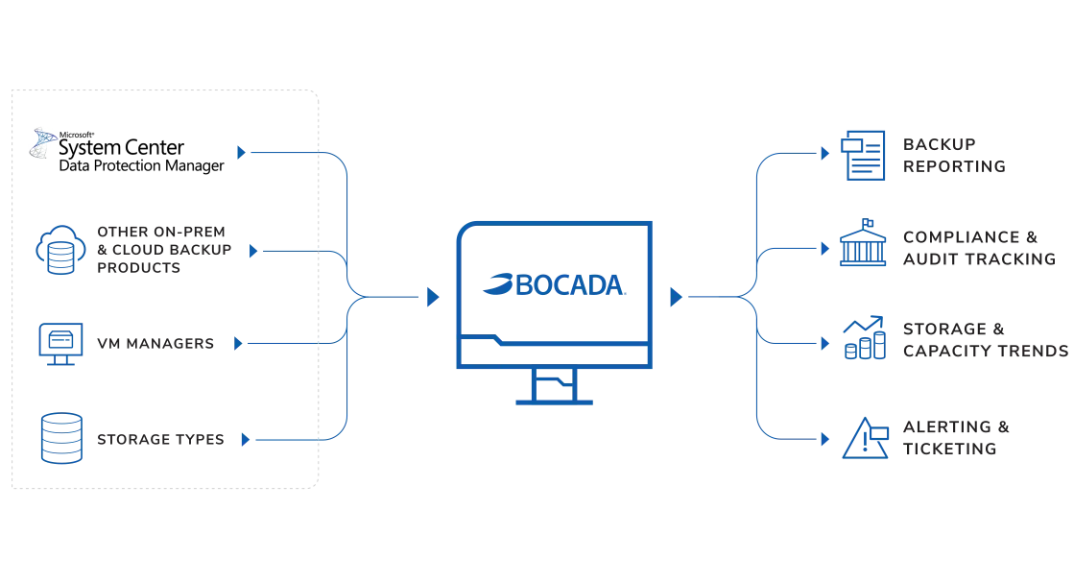
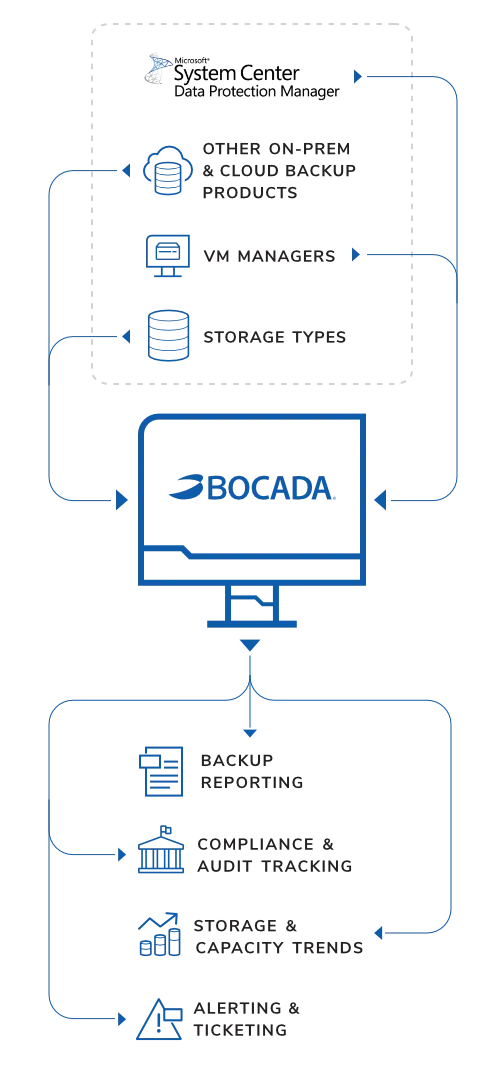
The Bocada Backup Monitoring Platform provides oversight of your Microsoft Data Protection Manager (DPM), on-prem, and cloud backup environments via an independent, agentless console for visibility, reporting, and collaboration.

Backup Oversight
Enjoy complete peace of mind with visibility into your DPM backup successes and failures. Always know when critical backups need support.

Centralized Reporting
Unify your DPM, cloud, and on-prem backup reporting via a single-pane tool. No more jumping across tools for a clean picture of backup health.

Compliance Tracking
Stay ahead of regulations and SLA tracking with automated reporting of your DPM environment. Remove the need for last-minute scrambles.

Audit Preparedness
Simplify monthly or annual DPM backup audits with fully customizable reporting templates. Be ready for any and all audit requests.
Capacity Monitoring
Keep an eye on storage capacity utilization trends across DPM and other backup products. Never spend more on storage than you need.

Systems Management
Leverage a comprehensive view of dispersed backup and storage environments. One platform for complete visibility and tracking.